
According to several reports, Windows Store app is force closing when you try loading it in Windows 10 operating system.
-Microsoft Decides to Automatically Download Windows 10 For You, Without Even Asking
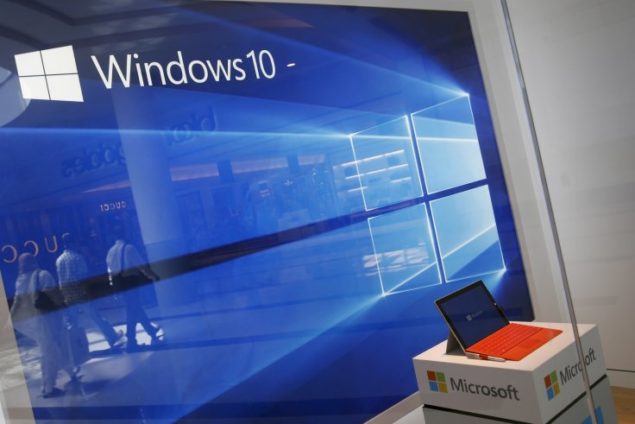
This is not a new problem with Windows Store as we have often seen the same happening with Windows Store in Windows 10, previously too. However, it seems that the issue is affecting more than just a few users this time. Microsoft has acknowledged the problem too, and tweeted that the company is looking into the matter.
@chrismarciano We are actively investigating this issue and should be back up and running soon.
— Windows Store (@windowsstore) September 11, 2015
Windows Store is working fine at our end, however, if you are experiencing the Store app force closing after a few seconds of you loading it, there seems to be a few fixes.
- Reset Store cache:
Restore store cache as it appearsto fix different problems that users face with Windows Store.
PressWindows logokey +Xand then click onRun.TypeWSReset.exeand hit Enter.
Check to see if this has sorted the problem with Windows Store.
-Troubleshoot Windows Update:
ClickStart> andtypetroubleshooting.Click onTroubleshootingoption.UnderSystem and Security> click onFix problems with Windows Update.Follow the onscreen prompts and test the Store app.
- Re-register Windows Store app:
You can also try to re-register the Windows Store app.
Using the same Windows logokey +X, click onCommand Promptas an admin.In the command prompt window, enter the following stringpowershell-ExecutionPolicy Unrestricted Add-AppxPackage -DisableDevelopmentMode -Register $Env:SystemRoot\WinStore\AppxManifest.xmland pressEnter.If the string is successfully processed, typeExitto exit the window.
Let's hope Microsoft has resolved the problems with Windows Store. If the problem persists, you can try the above fixes totry to resolvethe issue. Let us know if Windows Store is still force-closing at your end.
-Common fixes forall Windows Store Issues in Windows 10
Source



 zpostcode
 Recruit
 weather
 mreligion
 Yellowpages
 sport
sport constellation
 shopping
 name
name game
game directory
 literature
 Word
Word tour
tour furnish
 Lottery
 tftnews
 lyrics
 News
News digital
 car
car dir
dir Edu
Edu Finance


